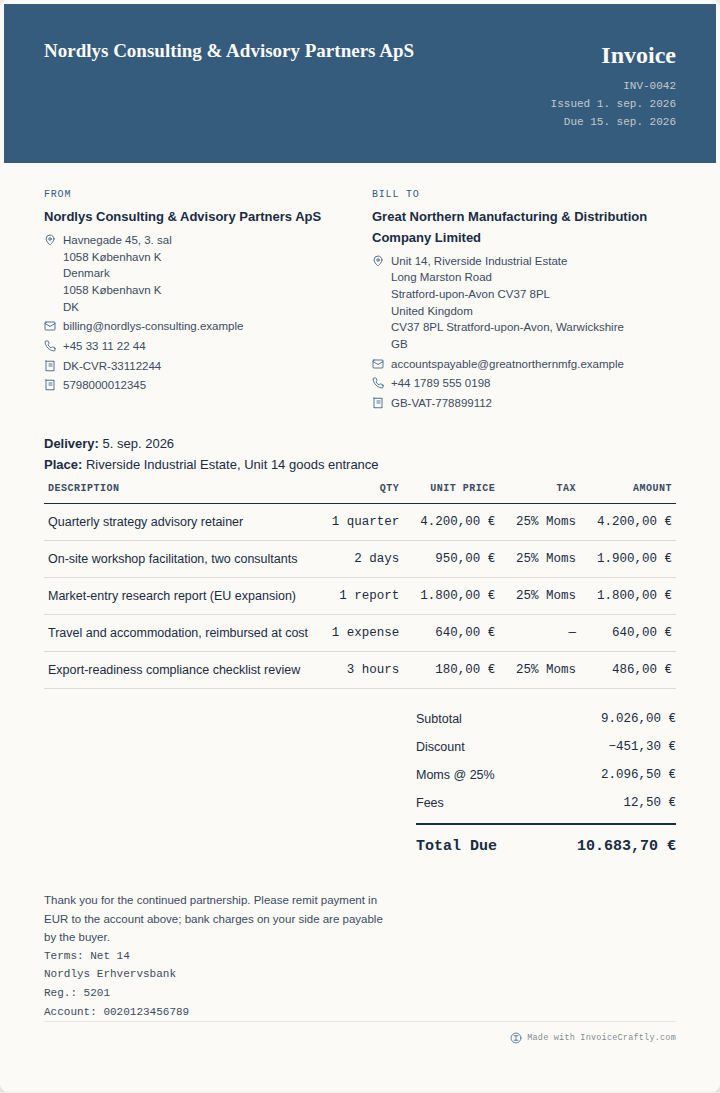
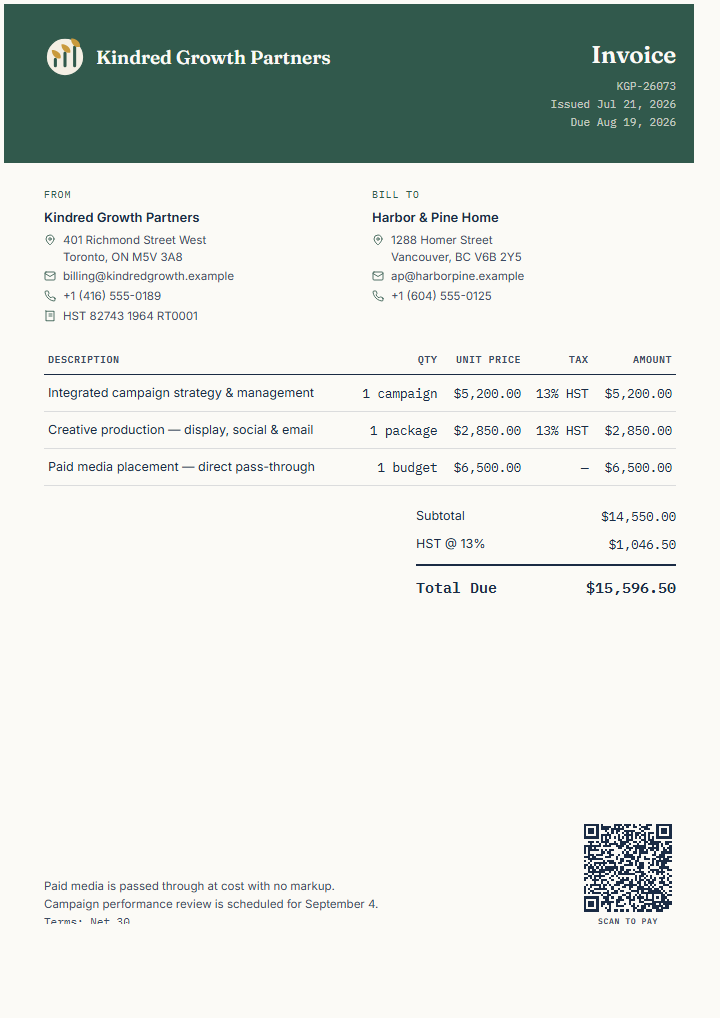
Structured for campaign strategy, creative production, media pass-through, and HST.
Distinguish agency fees from client media budget.
Treat the Canadian HST in the fictional example as a starting point that must be independently verified.
Carry the campaign name, PO, logo, payment QR, and performance-review note.
Replace and verify
Make every field your own.
Agency and client identities
Campaign, period, and supplied outputs
Professional fees and media-cost treatment
HST or other applicable tax details
PO, payment destination, QR, logo, and review date
How to use it
Edit, review, export.
Open the template, replace the fictional details, add your logo and supported QR details when useful, and review every field. Export PDF, PNG, or SVG, then send the finished document through the channel your client expects.
Document typeInvoice
Currency and localeCAD · en-CA
Useful capabilitiesLogo · Payment QR · Tax · Payment terms
Next stepSend the reviewed file and record payment or approval in the workflow you use
Template questions
Before you use this example
Can I add a markup to media spend?
The editor can represent fees and line items, but the commercial and tax treatment must match the client agreement and applicable requirements.
Where should I track campaign performance?
Use the advertising and analytics platforms that hold your campaign results, then keep the invoice focused on the billed services and media amounts.