
 View template details
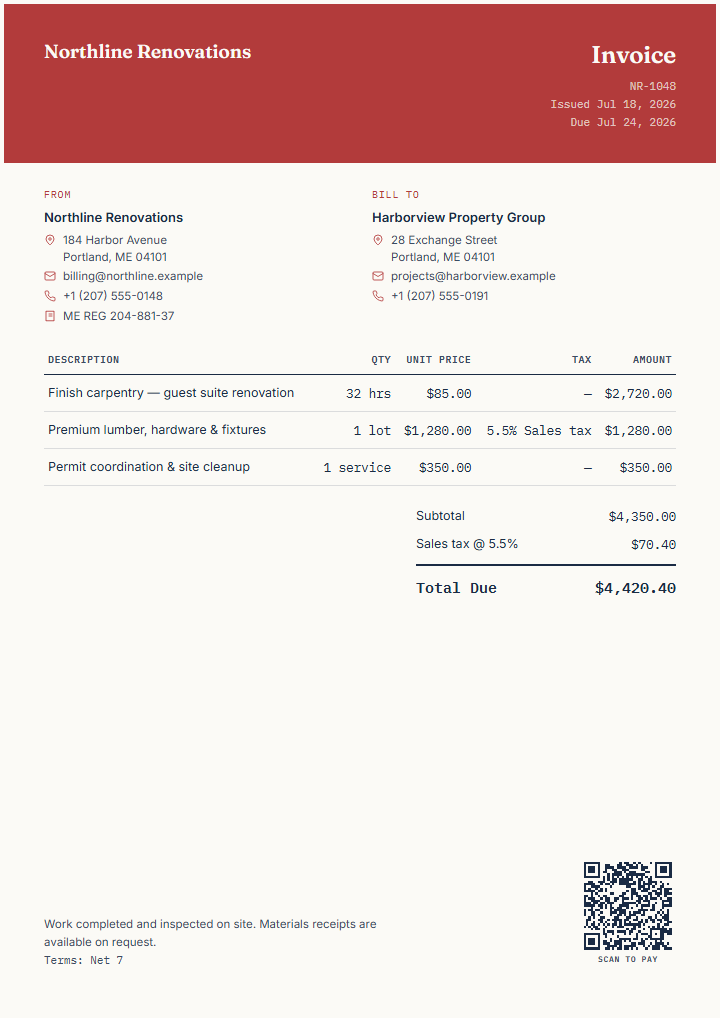
Renovation project invoice
Separate completed labour, materials, tax, and the job reference in a clear project invoice.
Logo · Payment QR · Tax · Payment terms
Choose a finished fictional example or start with a blank invoice. Edit it in your browser, then export a printable PDF, PNG, or SVG—no signup required.
Every template below can be rendered in any of these 8 design styles. Switch between them freely in the editor after you start — nothing here locks in a choice.
Watch one invoice switch through all 8 designs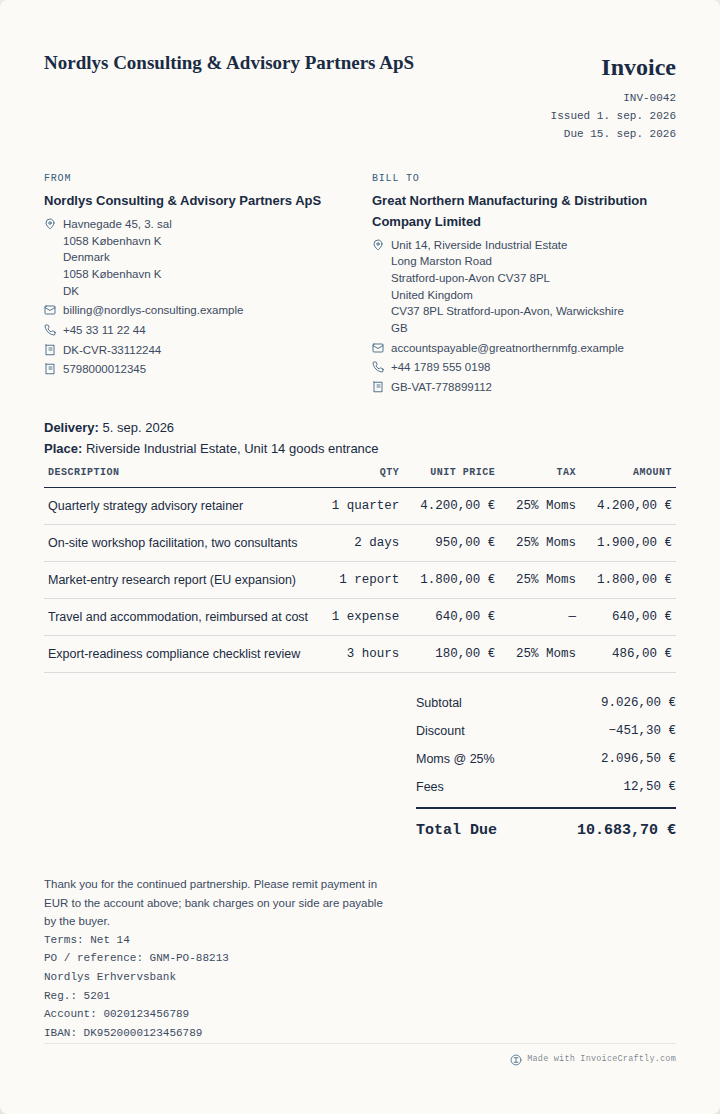
Clean and quiet. Reads well with or without a logo.
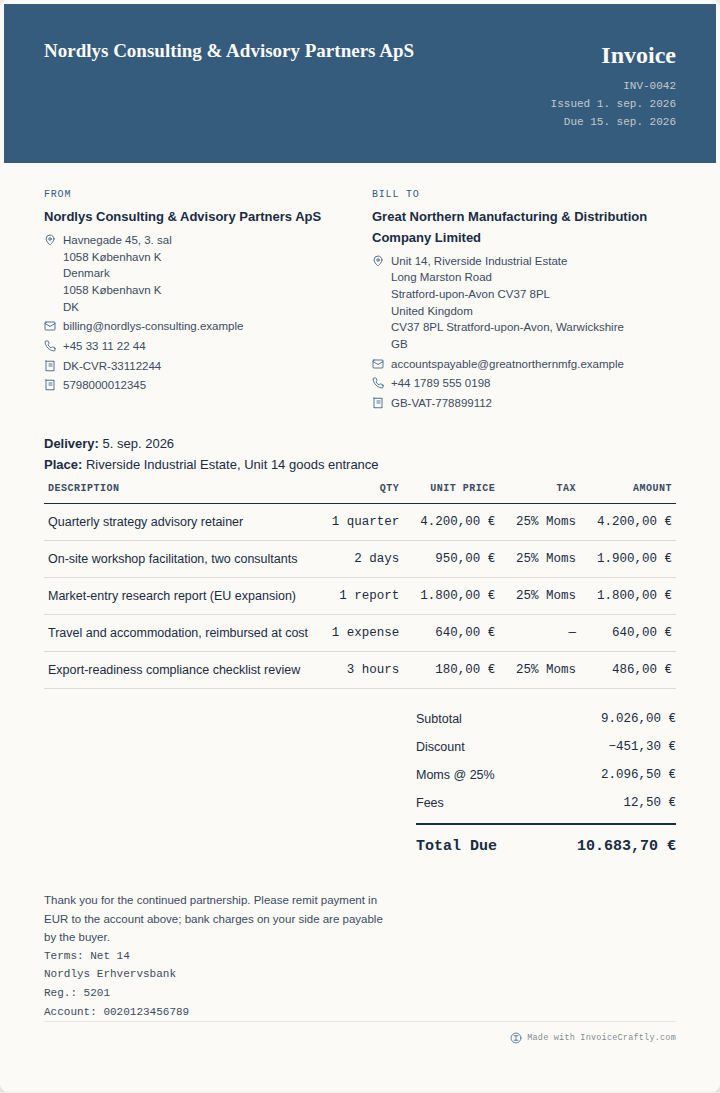
A bolder brand header for digital-first businesses.
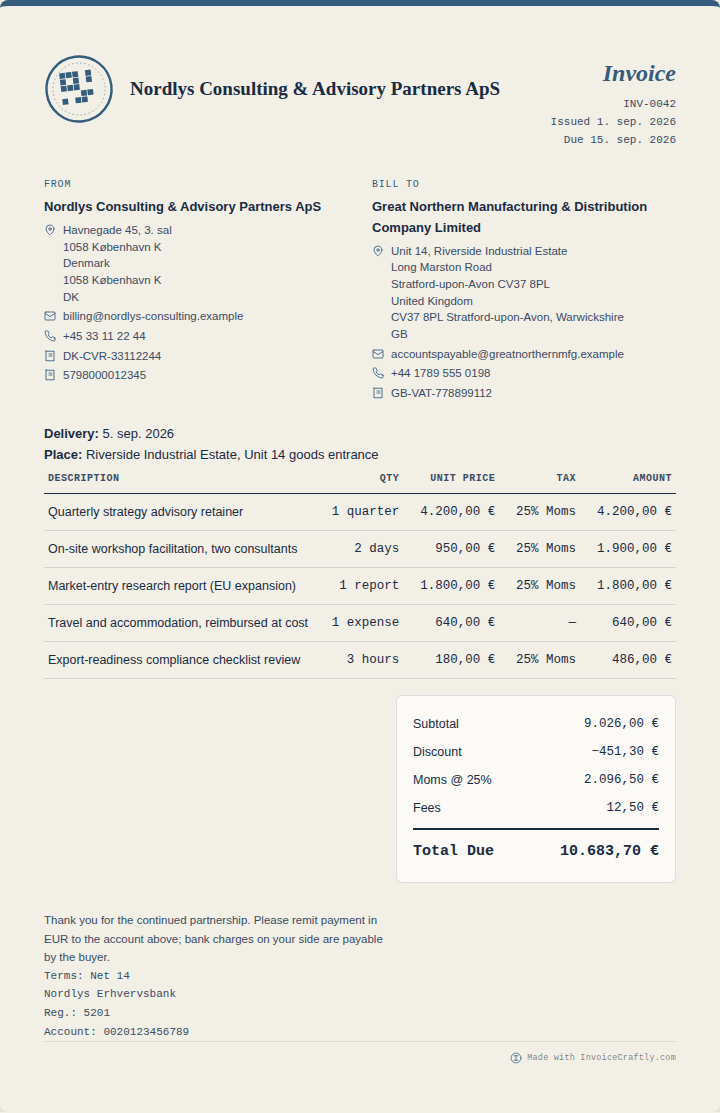
Brand and logo-forward, for photographers, designers and agencies.
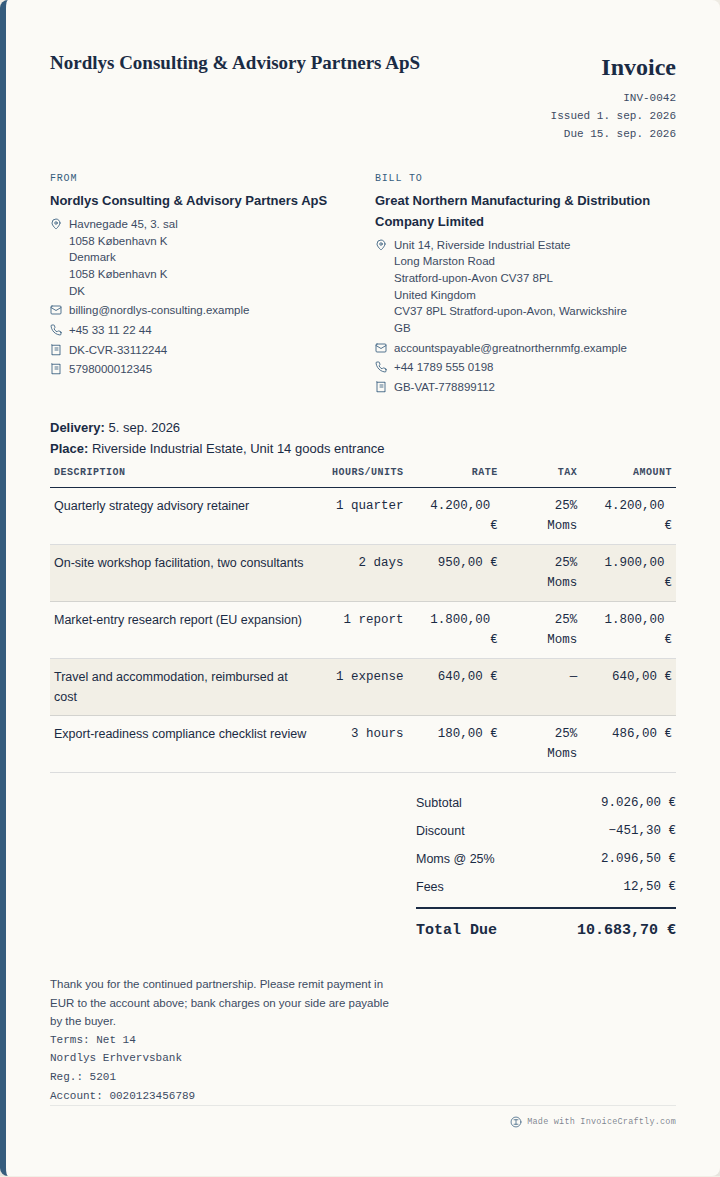
Built around hours, units and rates for contractors and trades.
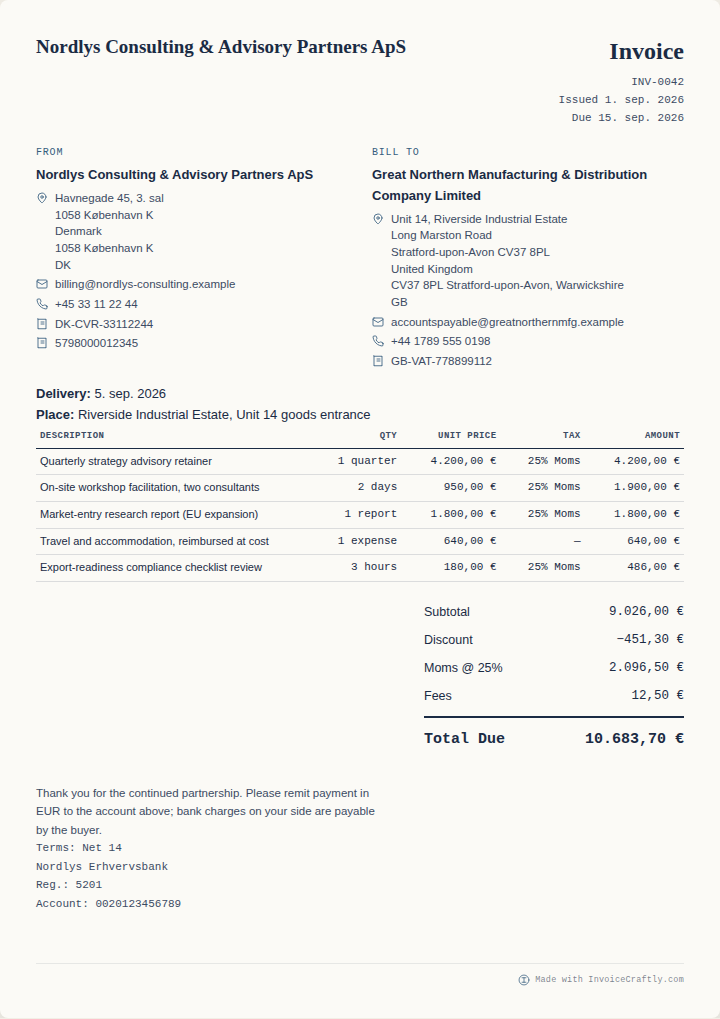
A dense layout that stays readable with many line items.
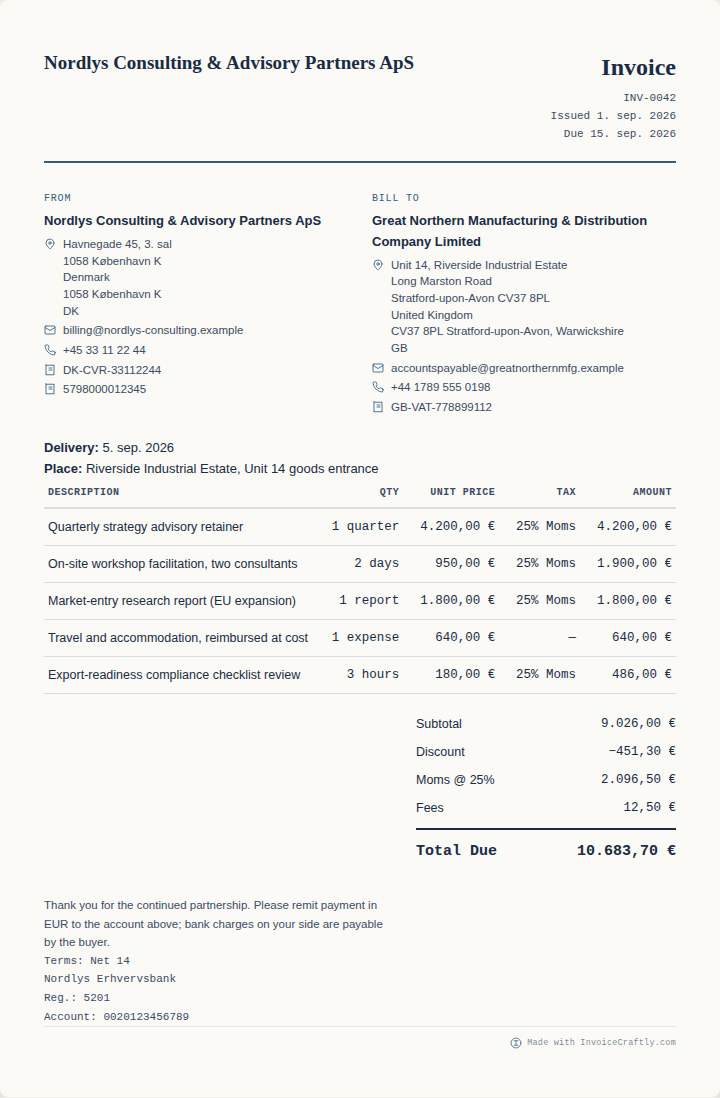
Conventional B2B structure, easy to scan for approval.
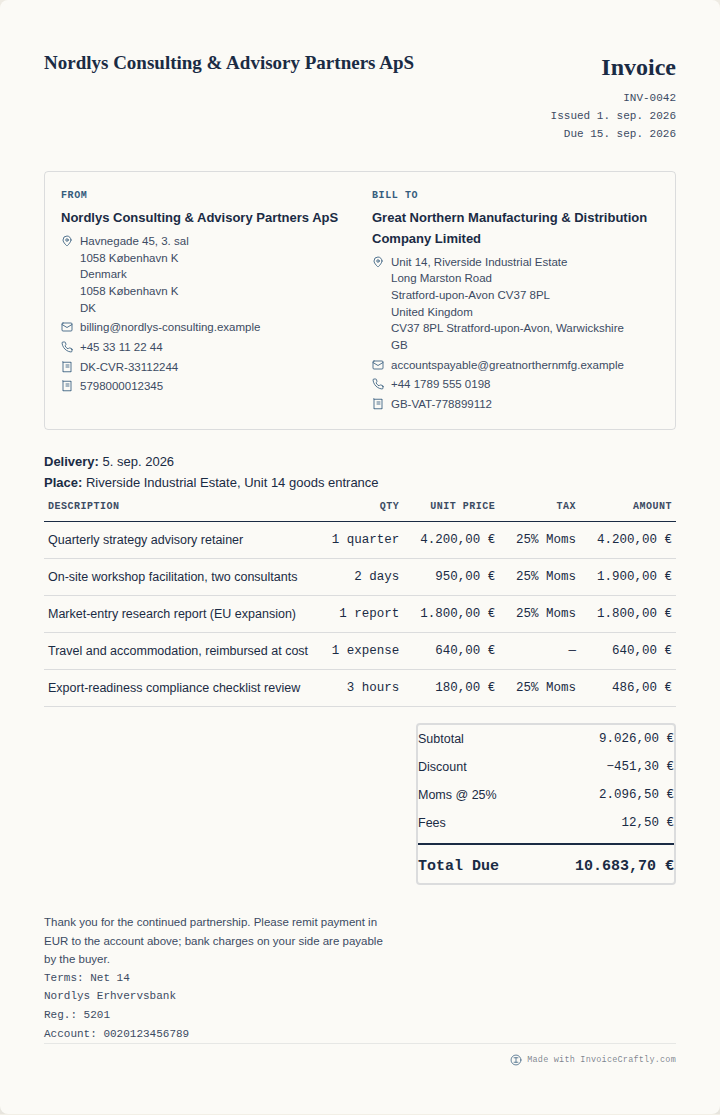
Formal structure with seller, buyer and VAT details laid out explicitly.
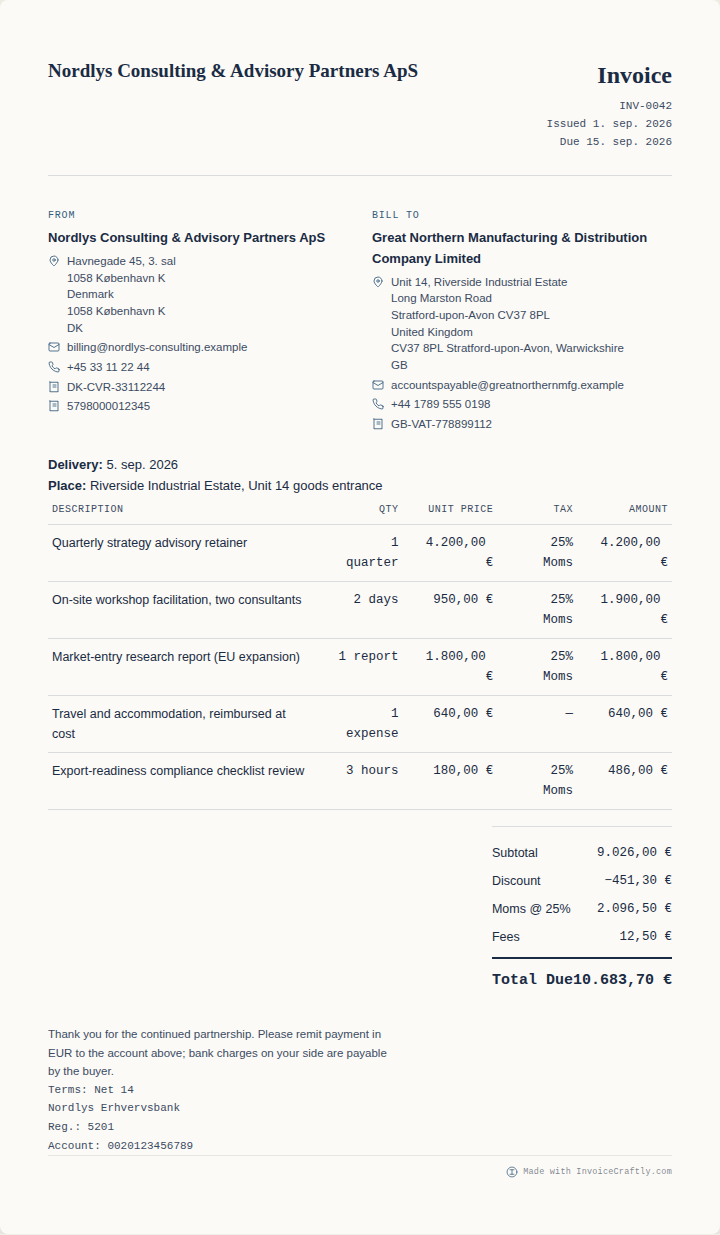
Restrained whitespace and typography with a clear hierarchy.
Open the .docx in Microsoft Word or a compatible app, replace the fictional contractor details, then save or print your finished invoice.
The Word file is a standalone download. The online editor is a separate alternative and exports PDF, PNG or SVG.
This finished fictional contractor invoice shows the ordinary sections you will review before sending. Choose a number on the example or read the complete list. For what each field is for in more detail, see what should an invoice include.
Use this example
Seller details
Buyer details
Invoice number
Issue and due dates
Line items
Tax
Subtotal and total
Payment terms
Payment details
The business or person issuing the invoice, with the contact and business details they choose to provide.
The customer receiving the invoice. Review the name and address against your own customer record.
The reference used to identify this invoice in your records and in messages with the customer.
The issue date shows when the invoice was created; the due date tells the customer when payment is requested.
A clear breakdown of the completed work or supplied items, including quantity, rate and line total where relevant.
The tax rate and amount used on this example. Add only the tax treatment that applies to your invoice.
The subtotal adds the line items before tax or adjustments; the total is the final amount requested.
The agreed timing or conditions for payment, written so the customer can understand the next step.
The reviewed destination or instructions the customer should use when paying the invoice.
A template is an editable starting point; its preview is a finished fictional example. Search by work or scenario, open it in the editor, and use the Professional wording assistant when a line-item description needs a clearer starting point.
Showing all 17 templates
No filters applied
Try a broader search, remove one filter, or reset the catalog.
View template details
Separate completed labour, materials, tax, and the job reference in a clear project invoice.
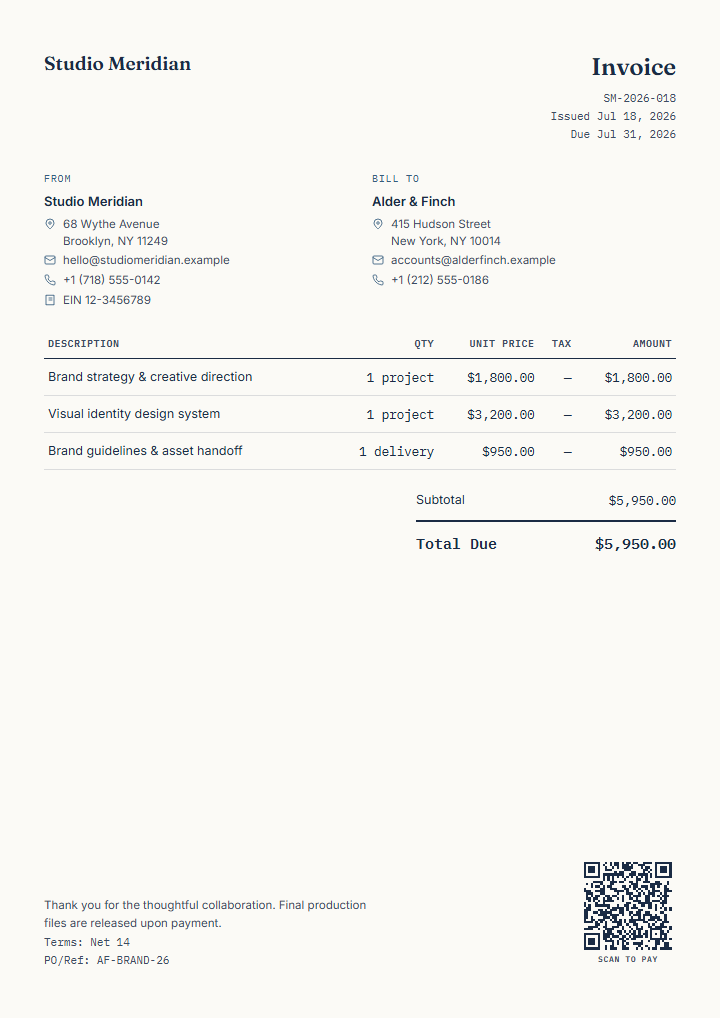 View template details
Present project phases and final creative delivery without reducing the engagement to one vague fee.
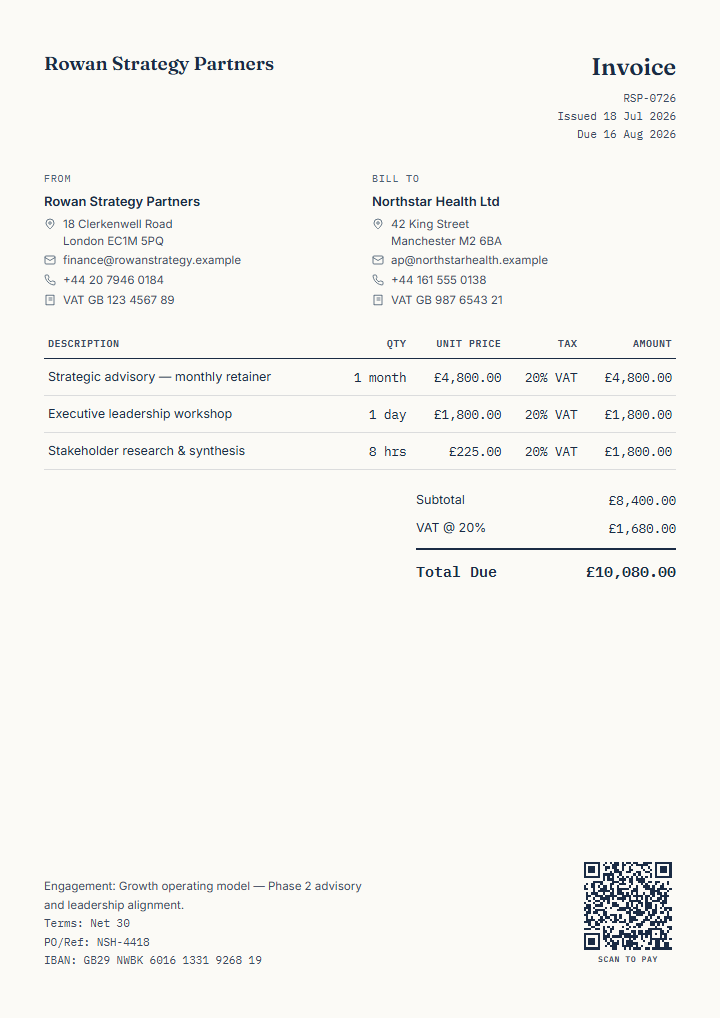 View template details
Combine a retainer, fixed workshop, research hours, VAT, and a client PO in one restrained invoice.
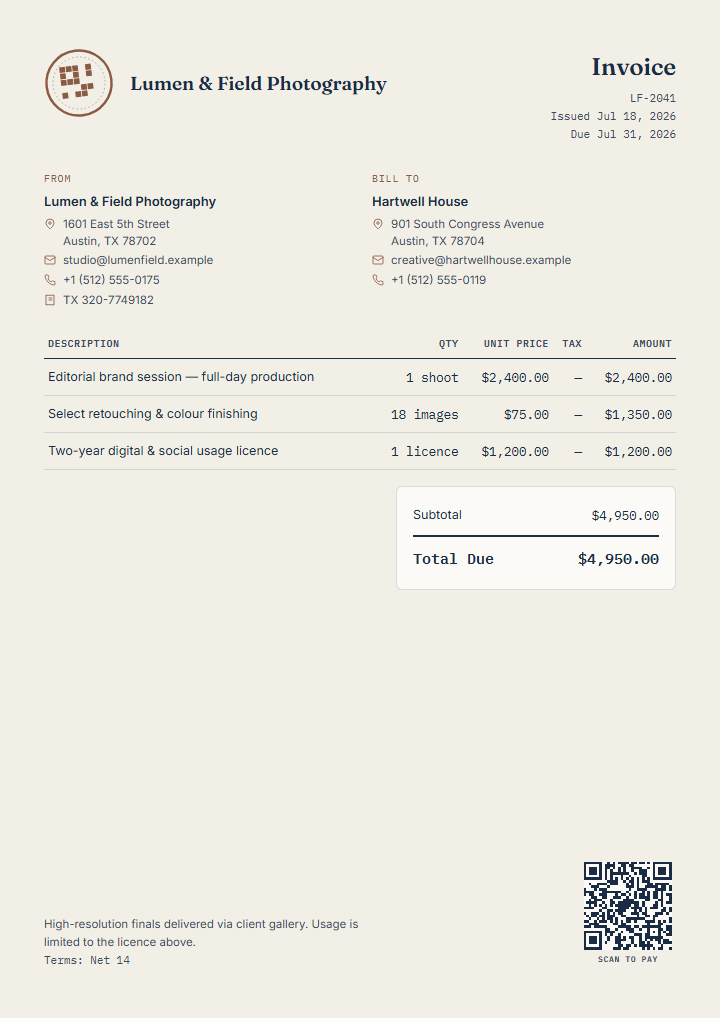 View template details
Keep production, image finishing, and the usage licence visible as distinct parts of the assignment.
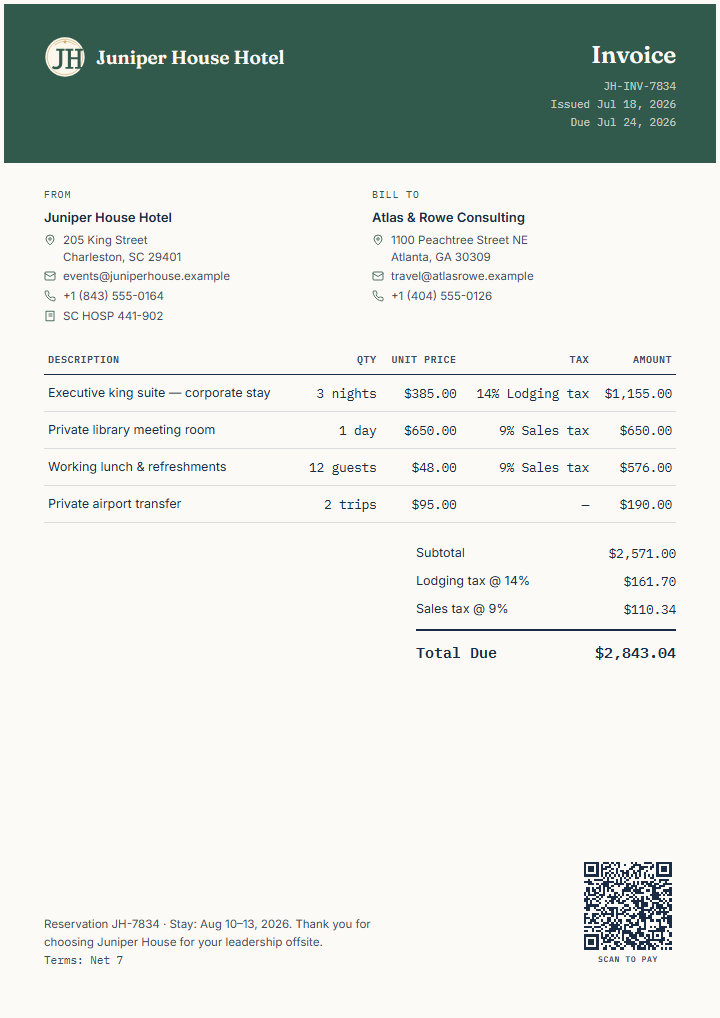 View template details
A branded hospitality invoice for a stay, meeting room, catering, mixed taxes, and transfer.
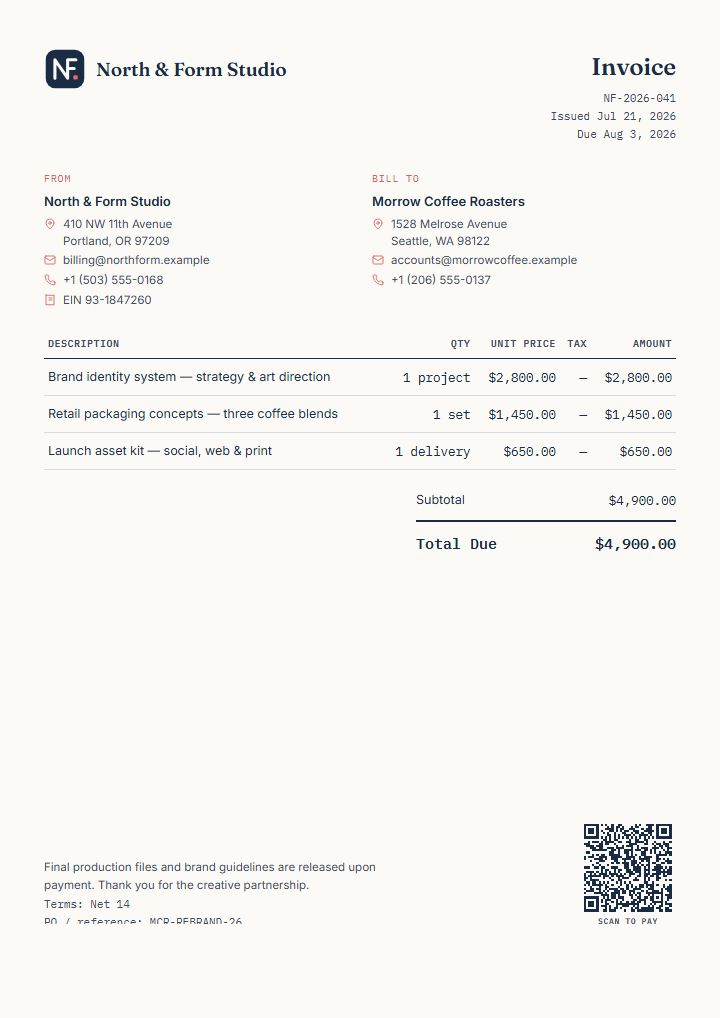 View template details
Bill a final brand-design milestone with identity, packaging, and launch assets clearly separated.
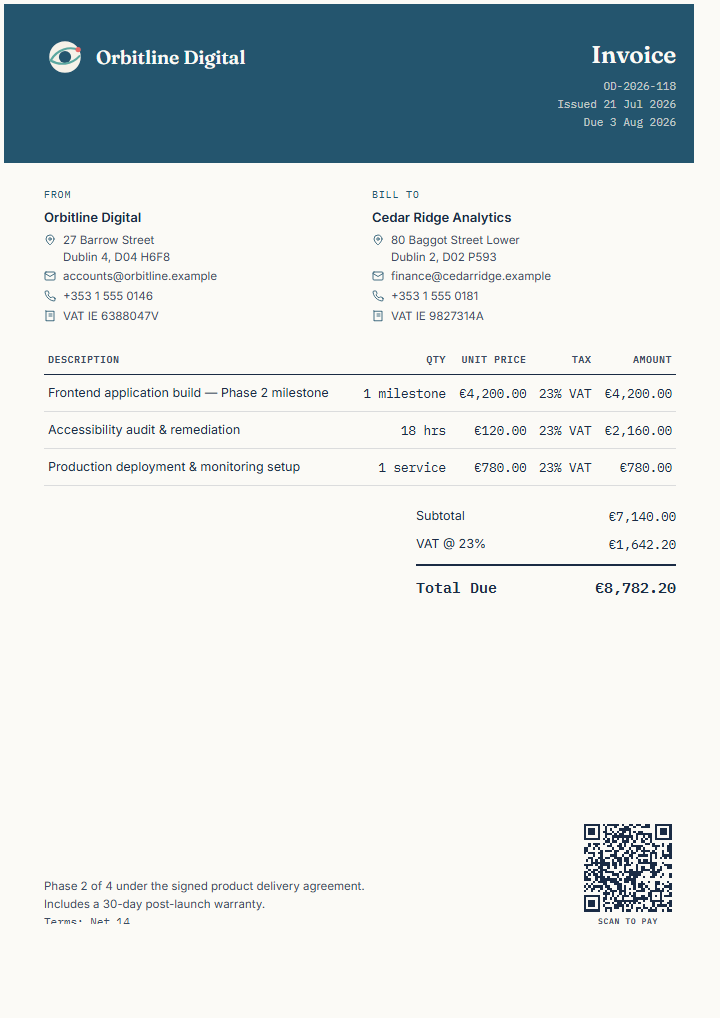 View template details
Show a product milestone, accessibility work, deployment service, VAT, and client references.
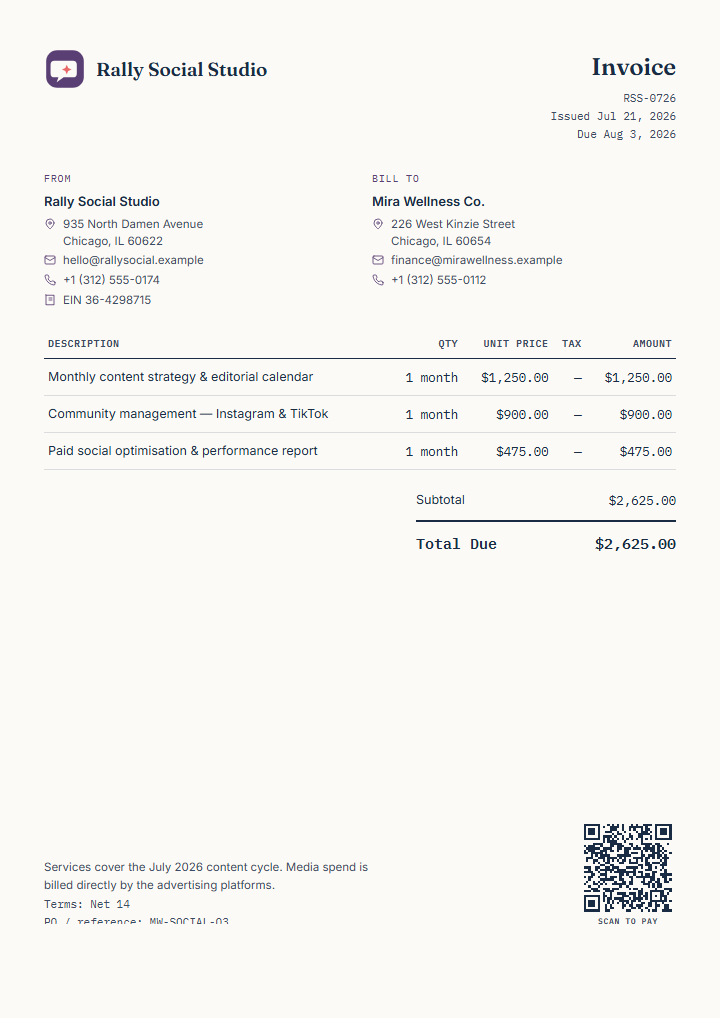 View template details
Separate recurring content, community, and paid-social optimisation work from media spend.
 View template details
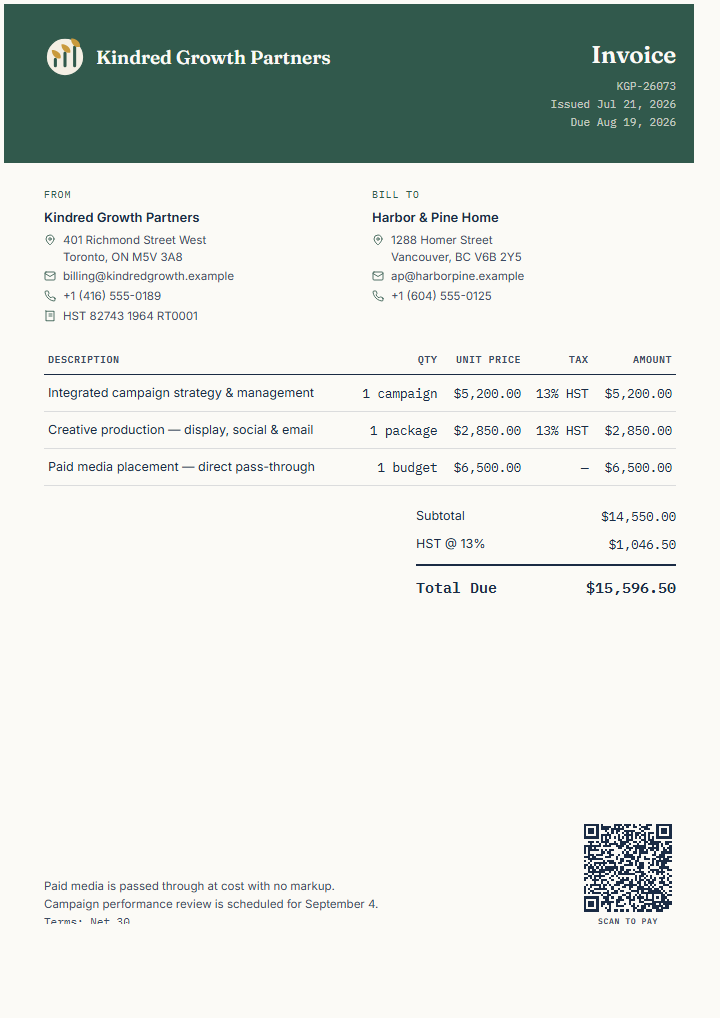
Distinguish agency services, creative production, pass-through media spend, and Canadian HST.
 View template details
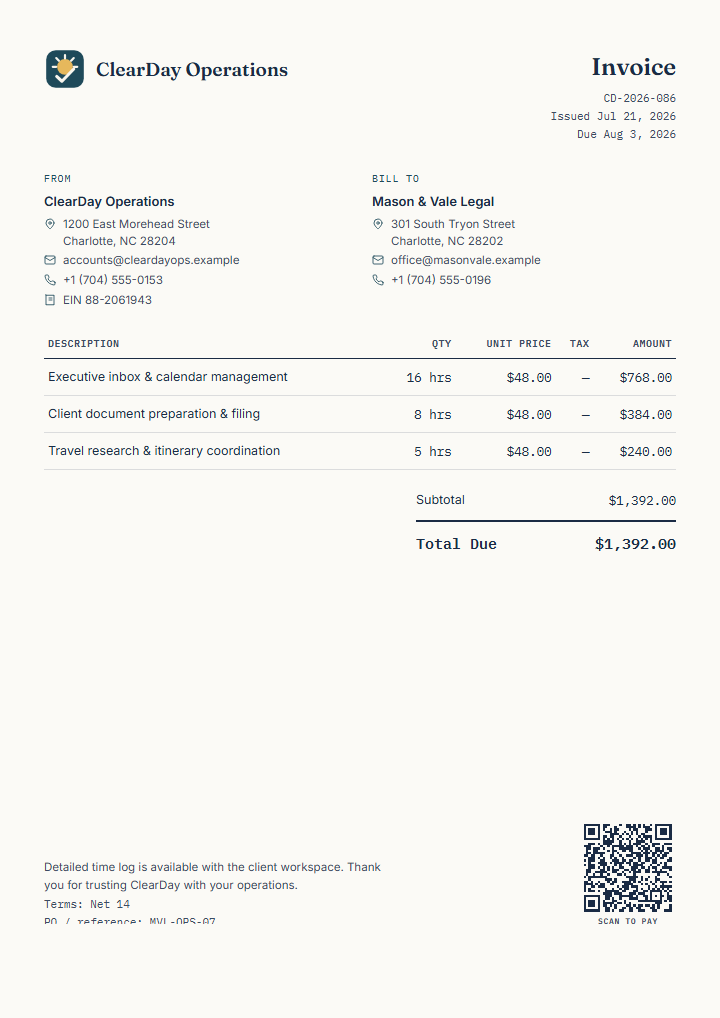
Group hourly operational support by responsibility while keeping the service period and reference clear.
 View template details
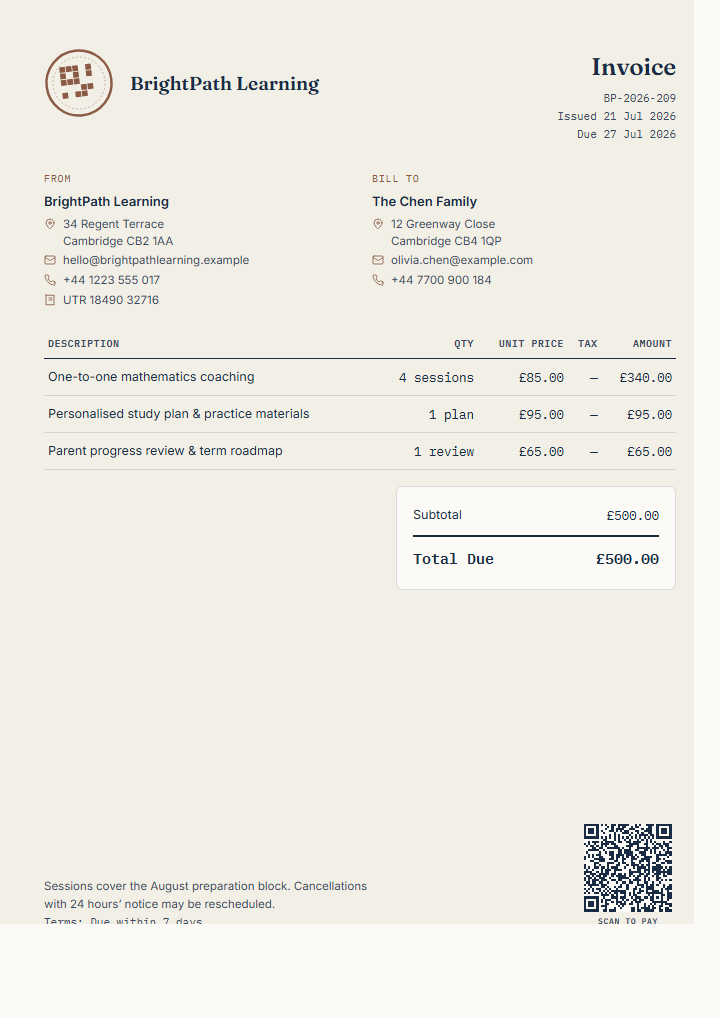
Bill a defined coaching block with sessions, personalised materials, and a progress review.
 View template details
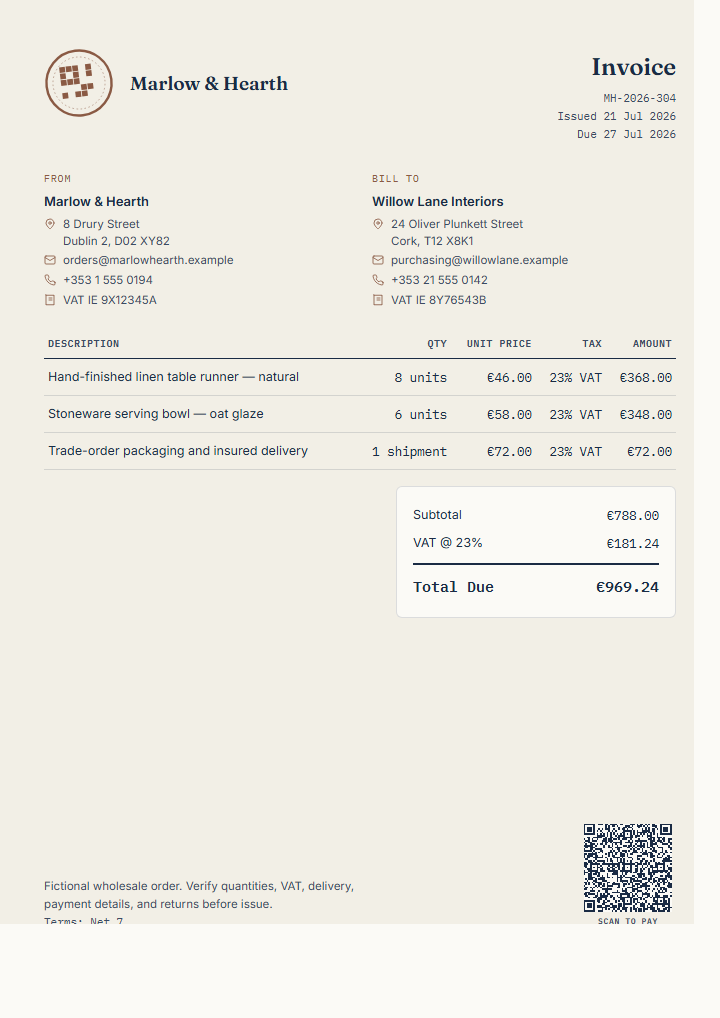
A wholesale invoice example with unit quantities, trade delivery, VAT, PO, and fictional SEPA payment details ready for review.
 View template details
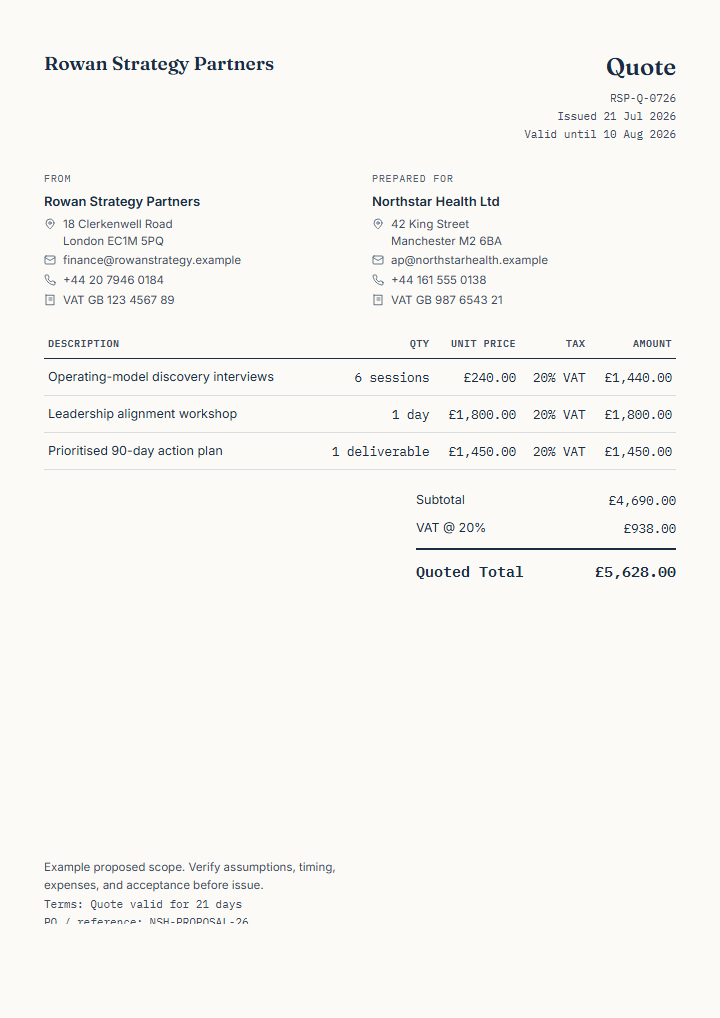
Set out proposed advisory deliverables, assumptions, VAT, and a clear validity period before work begins.
 View template details
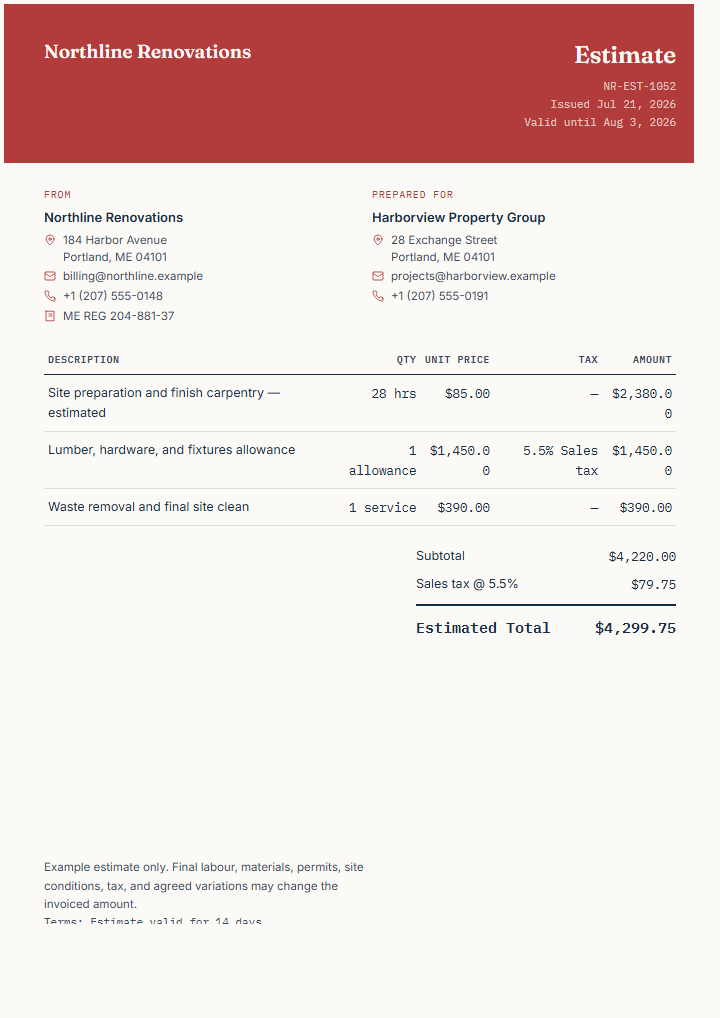
Present expected labour and material allowances while making uncertainty and possible variations visible.
 View template details
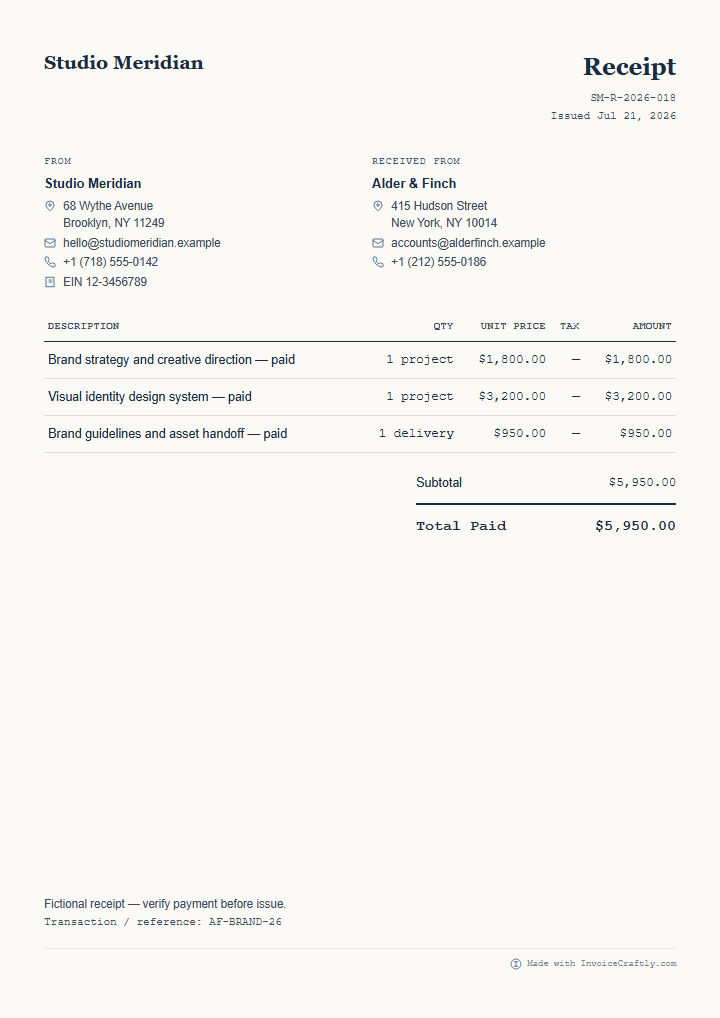
Record a confirmed creative-project payment with the supplied work and original invoice reference.
 View template details
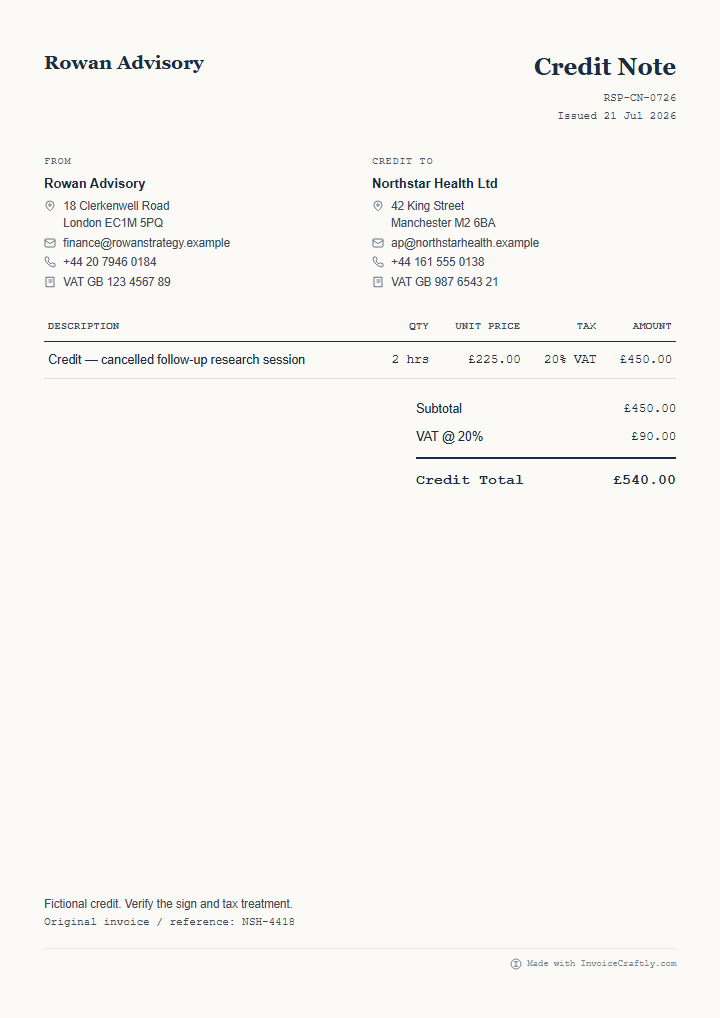
Document a specific reduction and connect it to the earlier consulting invoice without implying a refund.
 View template details
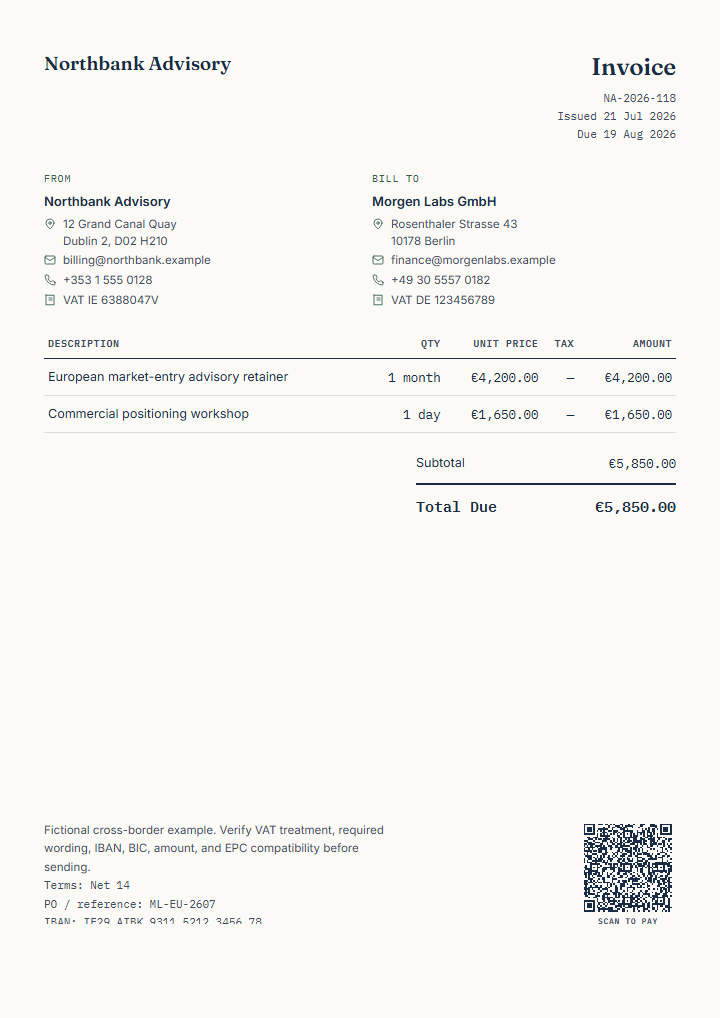
Demonstrate a test-formatted fictional EUR EPC/SEPA payment QR example with IBAN, BIC, amount, and reference fields for review.
Document types change the purpose and presentation of the same editor; templates change its visual and profession-ready starting content.
Edit privately in your browser without signup, then review the finished document before sending.